When your prime runs the job on SpecUp, you see what you owe and what came back — item by item, flagged where it belongs. No guessing what the reviewer wanted.
There's no sign-up here. Ask your prime to add you to the job.
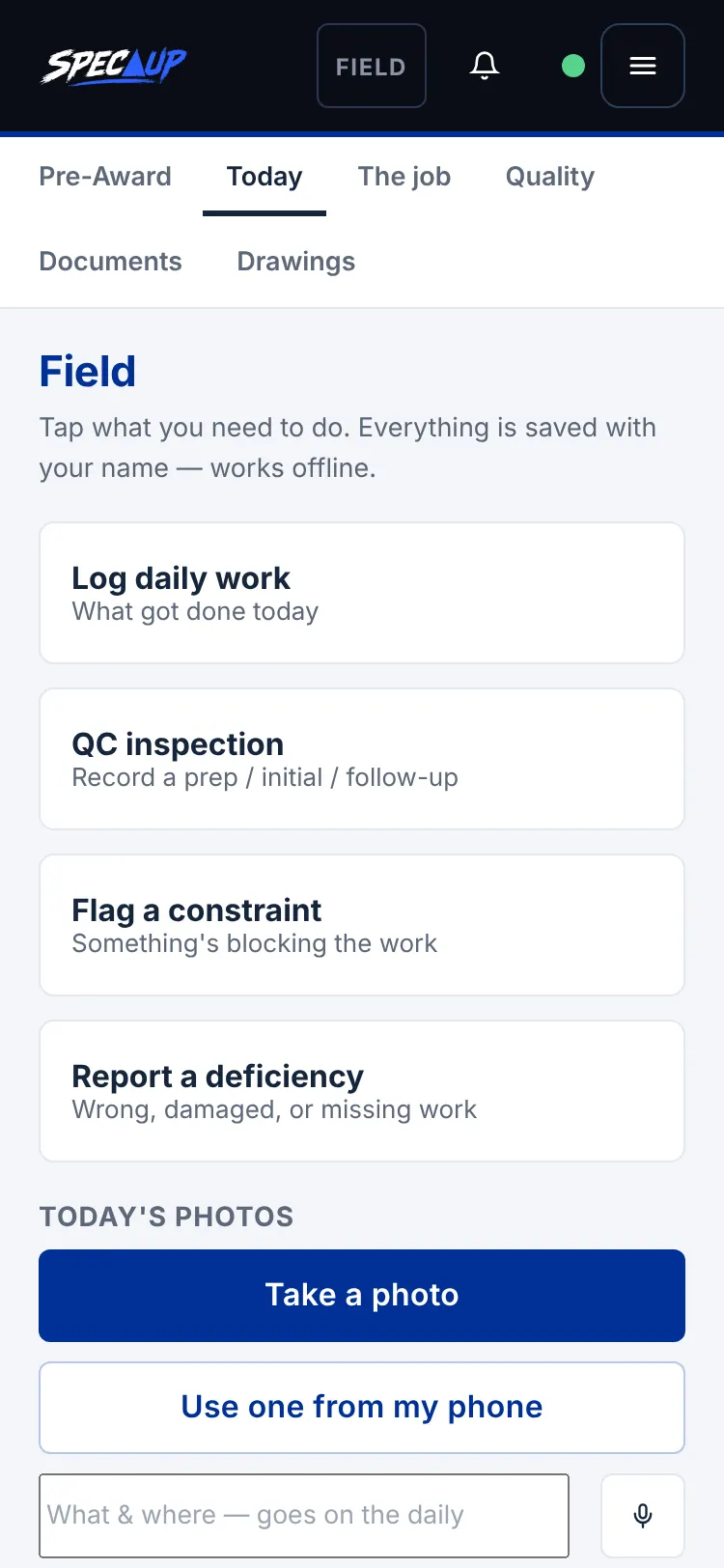
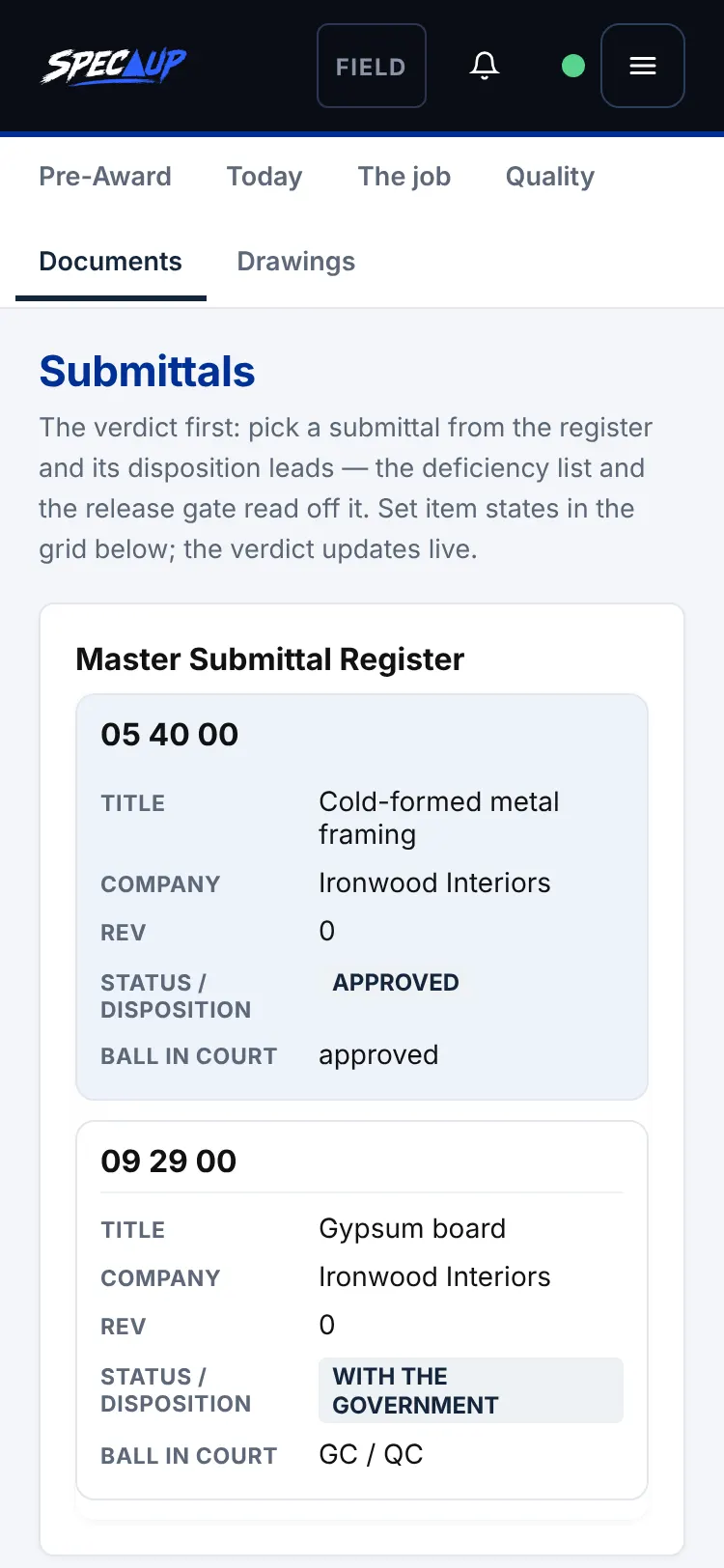
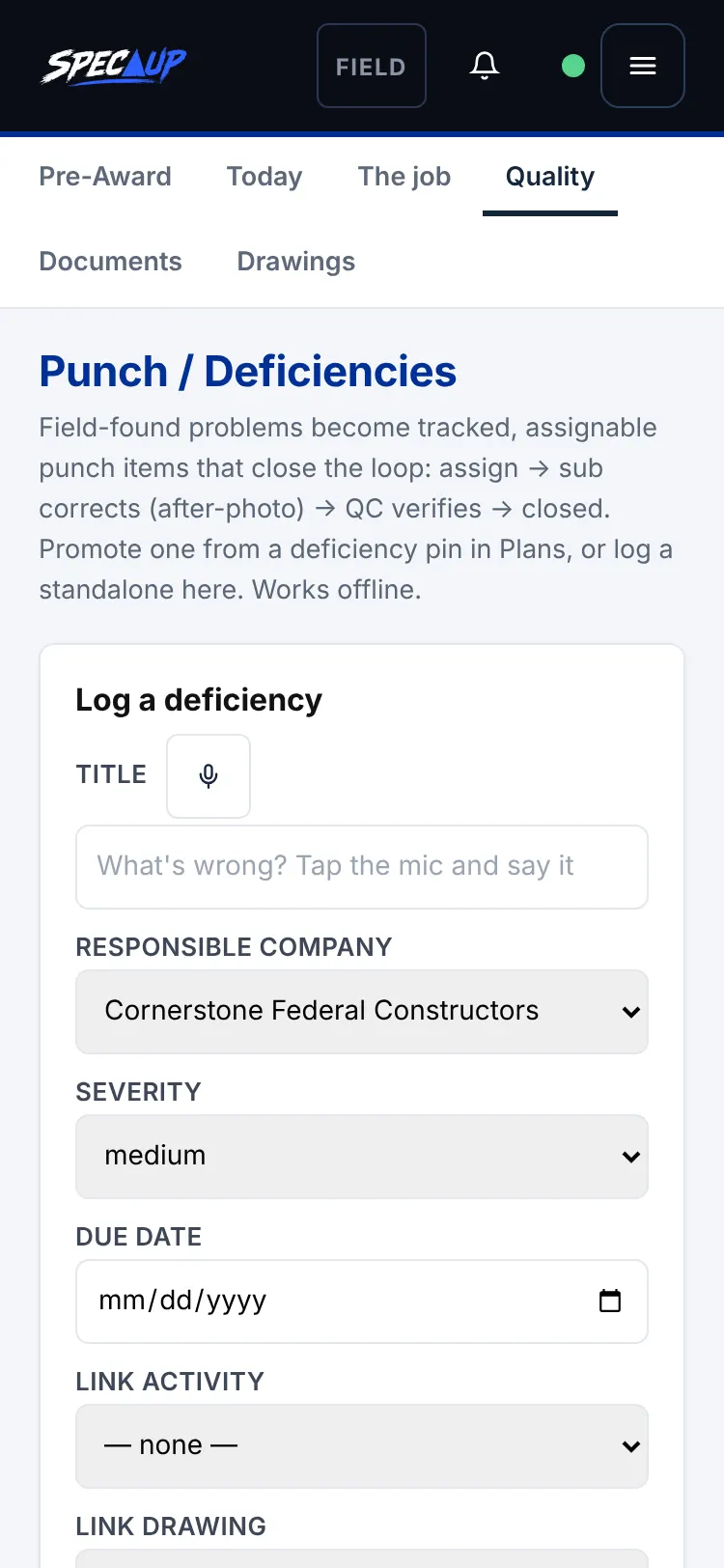
Sample job — demo data only, not from any real project.
Every required item for your scope, with its due date. Nothing buried in an email thread.
A returned package shows the missing items on their own cover sheets, in the spot they belong.
Resubmit a complete package within 7 calendar days. The date is on the screen.
Installers sign in with a phone number to see the current requirements for their work. No company email needed.
Your crew can ask questions and get answers from the project's own documents.
No slip sheets. Every resubmittal is the whole package, so nothing gets lost.
Your prime adds you to the job. Ask them to invite you — there's no separate sign-up for subcontractors.
No. Your prime runs the job on SpecUp.
See the individual portals — Superintendent, QC Manager, Safety and Foreman — at $19.99 a month each.
Other portals